English / 日本語
*This page supports English and Japanese only.
Limit Shoot
Table of contents
Overview
When you start the application [Limit Shoot], to display the Title-screen.
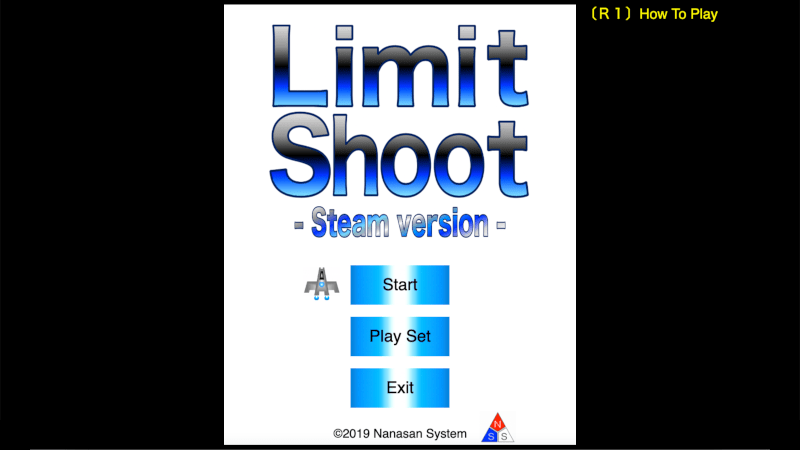
- [Start]… To display the Game-screen and the game will start.
- [Play Set]… To display the Option-screen and setting how to play.
- [Exit]… Close the Title-screen and exit the game.
Press the [R1] button on the controller to display the instructions of the game. It's to scroll up and down by directional key on the controller. Press the [R1] button to return the Title-screen.
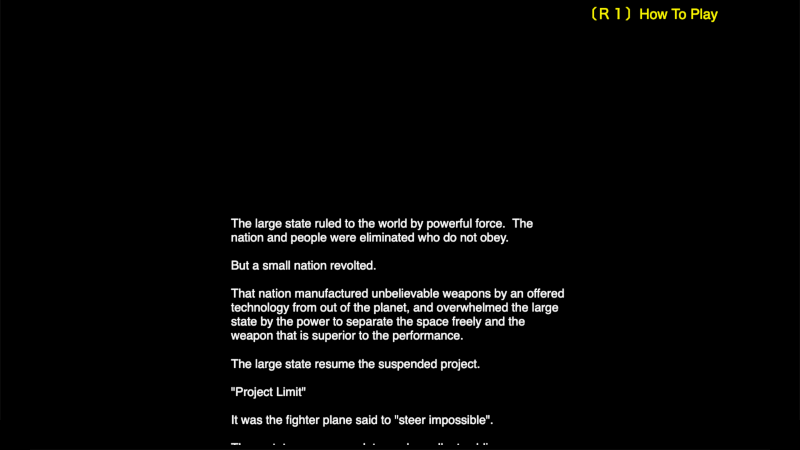
If you wait operation on the Title-screen, to display a prologue. And prologue scroll is finished ( or press the button on the controller ), return to the Title-screen.
How to play
When the game starts, the fighter plane of the player will start from the mother ship. Once the parameters of the fighter plane and mother ship are displayed, you ill be able to control to the fighter plane.
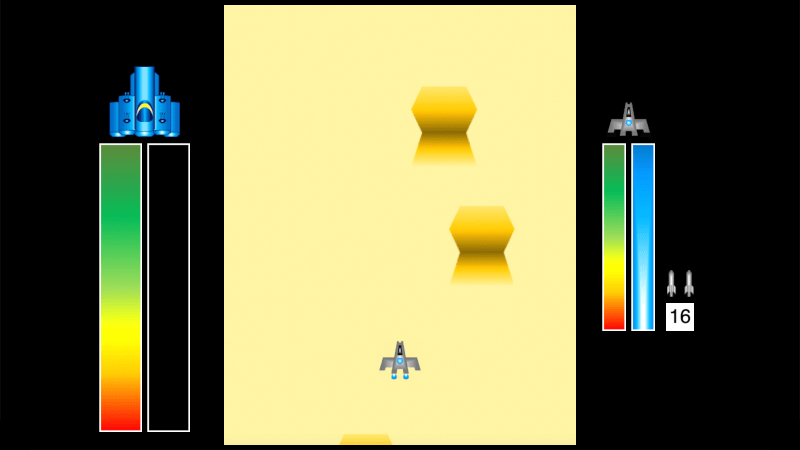
- 【 Operation / Action 】
-
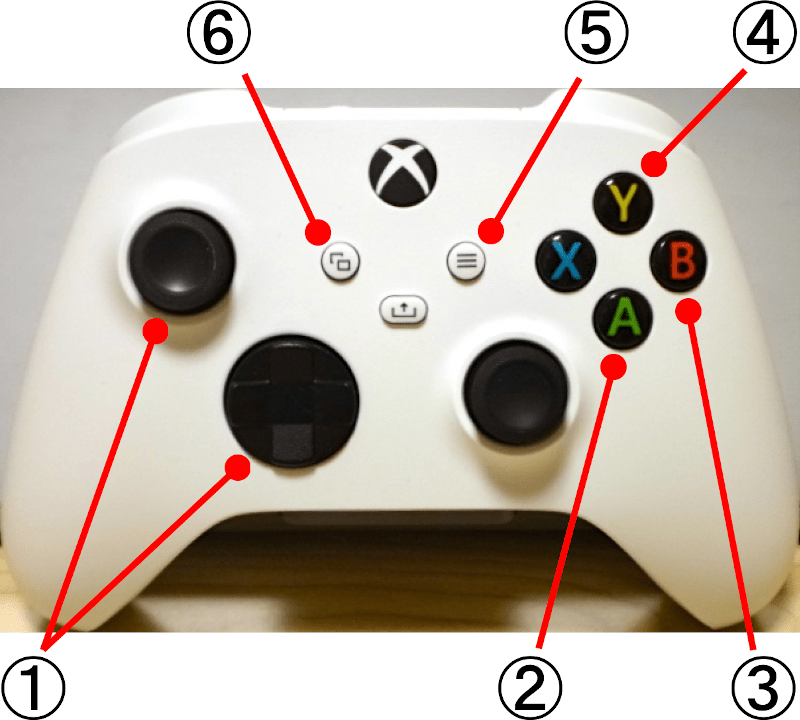
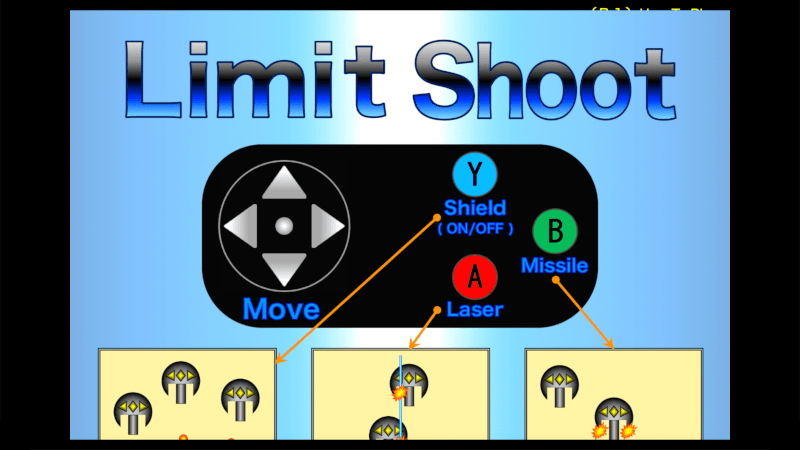
- ① Directional Key … Move the fighter plane
- ②[A]… Fires the laser
- ③[B]… Fires the missile
- ④[Y]… Startup / stop the shield
- ⑤[Start]… Pause the game
- ⑥[Select]… Display the confirmation-screen for the exit the game.
The missiles are fire from the left and right, and can fire twice in a row. Also, the hitting enemies are will be out of action for a while.
The laser move at high speed and penetrate the enemies. Also, while firing it, will move left and right in accordance with the movement of the fighter plane.
The shield protect 100% on the damage of the enemy bullets hit. Also, it greatly reduce on the damage of the enemies and explosions hit.
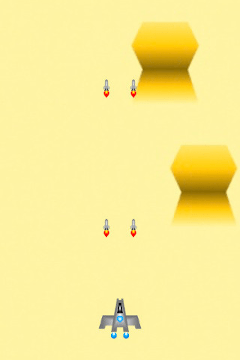
missile
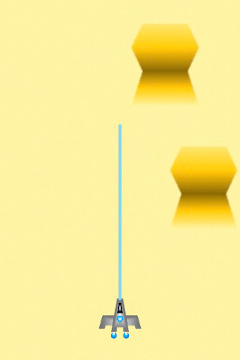
laser
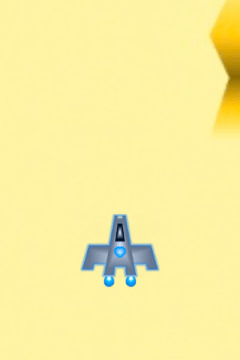
shield
- 【 Parameter 】
-
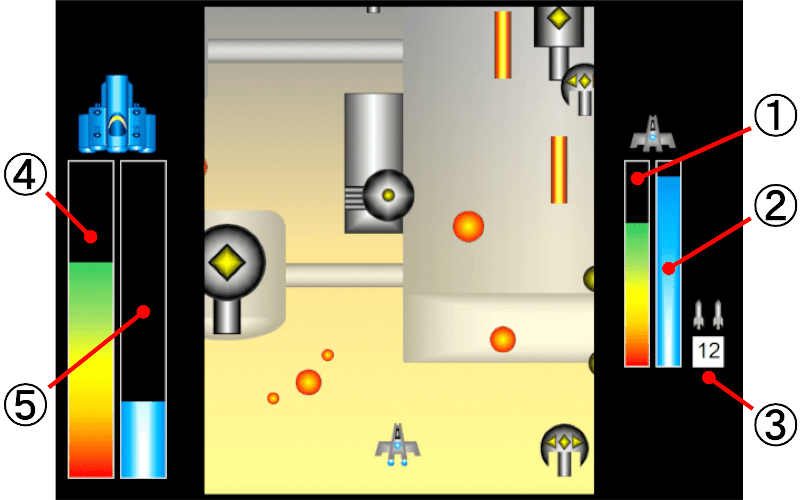
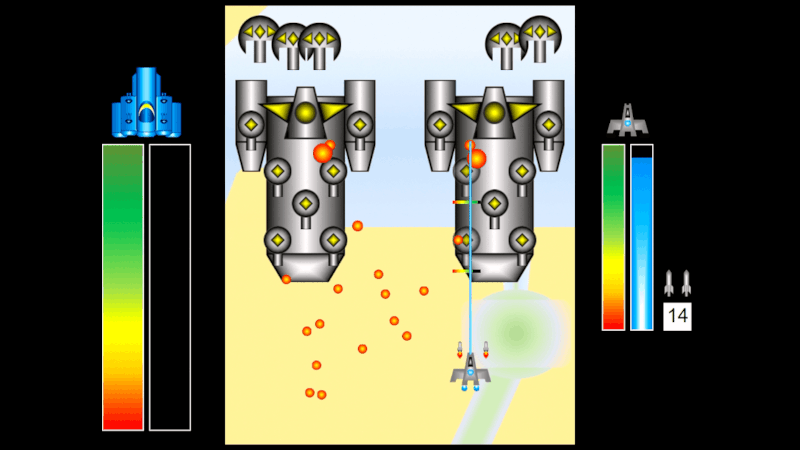
- ① The durability of the fighter plane. It decrease when hitting an enemy's attack, and recover when take the items.
- ② The energy of the fighter plane. It decrease when fire the laser or startup the shield, and recover when not use both.
- ③ The number of usable missiles in the fighter plane. It decrease when fire the missile, and increase when take the items.
- ④ The durability of the mother ship. It decrease when hitting an enemy's attack.
- ⑤ The energy of the mother ship. It increase when the battle to the stage boss. However, if mother ship have a damaged by enemy's attack, stop the energy increase a short period of time.
- 【 Item 】
-
During the game, the items appear for certain conditions.
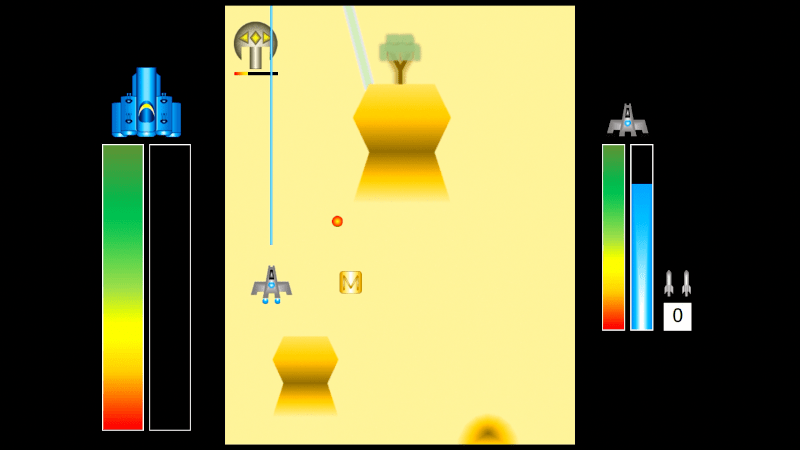
< Kind of the items > 
Maximize the number of usable missiles of the fighter plane. It is to appear when the number of usable missile is 0, or arrival a specific place. 
Fully recover the durability of the fighter plane. It appear when arrival a specific place.
- 【 Pause / Resume 】
-
Press the [Select] button on the controller will be pause the game, and to display the confirmation-screen for the exit the game.
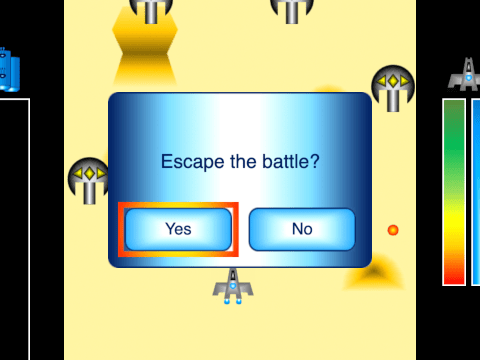
- [Yes]… Exit the game and return to the Title-screen.
- [No]… Close the confirmation-screen and resume the game.
- 【 Continue 】
-
When durability of the fighter plane or the mother ship become lose(zero), display the Continue-screen.
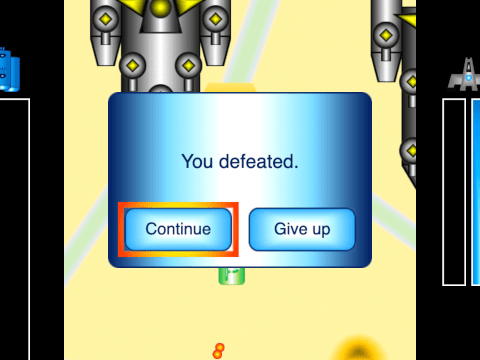
- [Continue]… To resume from the beginning of the stage. However, in the specific place of the stage 5, to resume from a just before place.
- [Give up]… Exit the game and return to the Title-screen.
Setting
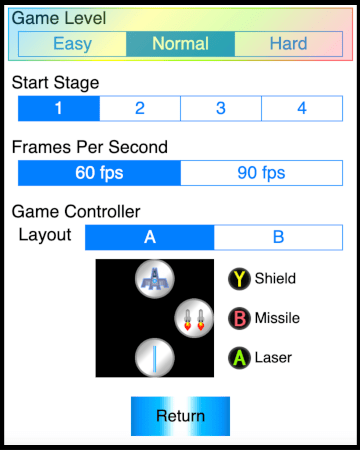
- Game Level
- The difficulty of the game.
- Start Stage
- The first stage of the game. The number of stages is 5. When you clear the four stage( 1, 2, 3, 4 ), go to stage 5.
- Frames Per Second
- Set the screen drawing speed during the game. It's change the contents of item depending on the refresh rate setting.
- Game Controller
- Replace operation button of the missile and the laser.
[Return]… Return to the Title-screen.
Privacy Policy
Through this application software, the production persons don't acquire the user's personal information.
Movie & Screen-Shot
- 【 Movie 】
- 【 Screenshot 】
-
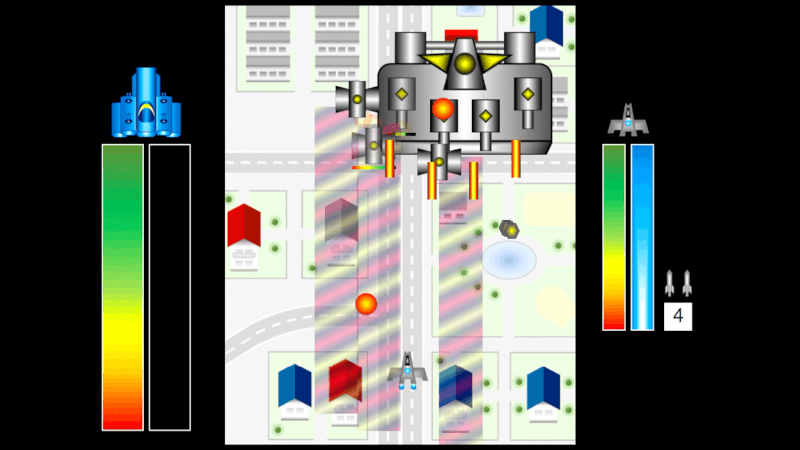
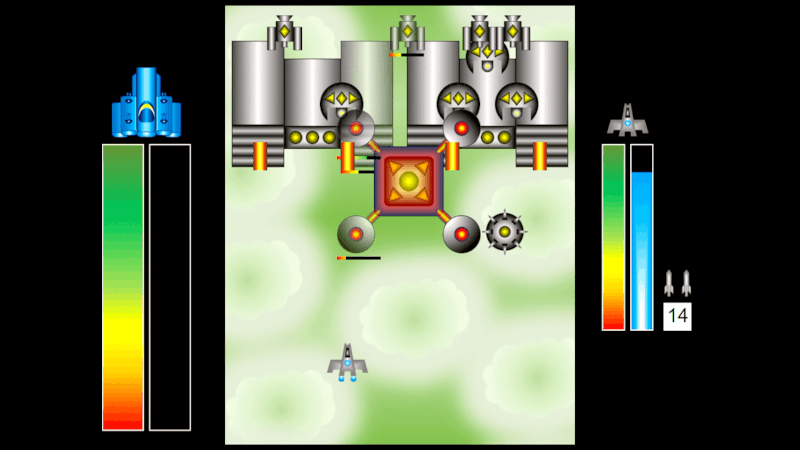
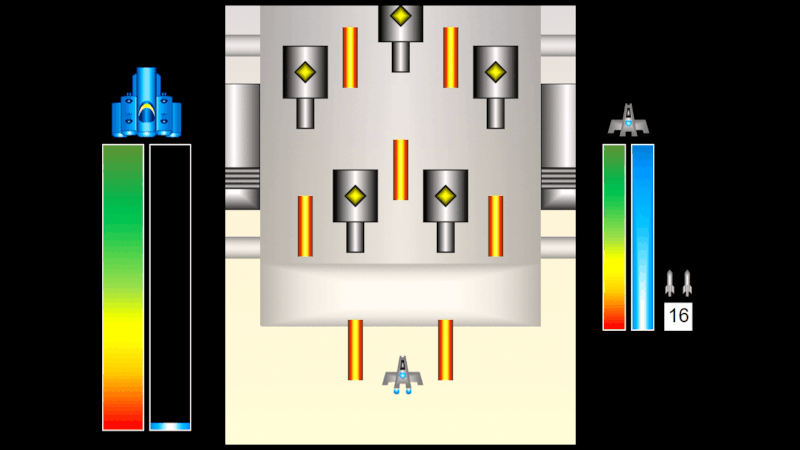
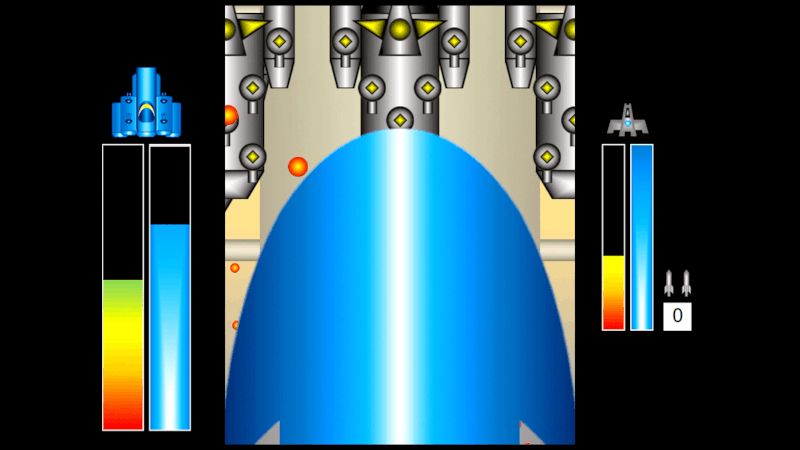
© 2019 Nanasan System. All Rights Reserved.